Shipped product · 02
PlateOptimize
A base-plate design tool that turns engineering inputs into CAD-ready geometry — published on the App Store for iPhone, iPad and Mac, and mirrored as a web app so anyone can try it without installing anything.
Problem
Base plates are routine work that is still done by hand.
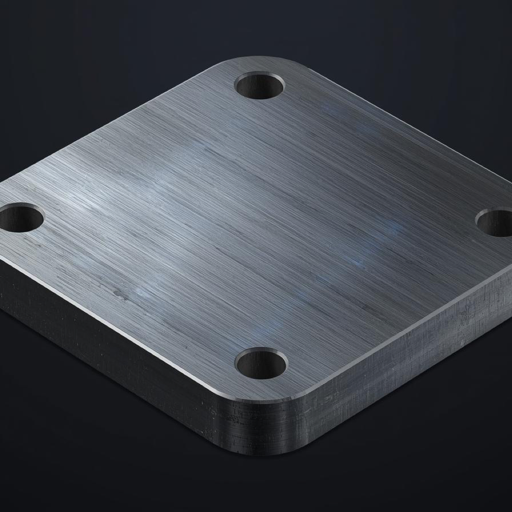
A column base plate is a small, unglamorous part with a lot of interacting constraints: plate dimensions, bolt pattern, the geometry of the column landing on it, and the loads it has to carry. The design isn't hard so much as fiddly — and the output almost always has to leave as a drawing someone can cut from.
PlateOptimize compresses that loop. You describe the situation once; the tool works the geometry and hands back a plate you can export straight into a manufacturing workflow.
It grew out of the optimization research at Penn State's CEARL — the same finite-element and SIMP work described in that case study — carried from a research tool through to a deployed, end-user product.
The interesting engineering isn't the maths. It's shipping it — as something a stranger can install and use without me in the room.
What it does
- Takes real inputs. Plate dimensions, bolt layout, column geometry and loading conditions.
- Works the geometry. Turns those inputs into an optimized plate rather than a sketch.
- Exports for manufacturing. DXF for CAD and CAM, SVG for vector work, PNG for documentation.
- Runs anywhere. Native on iPhone, iPad and Mac; the same workflow in a browser via Streamlit.
DXF, SVG and PNG out of a single run.
iPhone, iPad, Mac and the web.
Designed, built, submitted and published solo.
Interface
The tool, as shipped.
Pipeline
Inputs in, manufacturable geometry out.
Demo
Watch it run.
The demo video walks through a full pass, from inputs to exported drawing.
Loads YouTube only when you press play. Open on YouTube ↗
Shipping
What publishing actually costs
Getting an engineering tool onto the App Store is a different discipline from writing the solver. It means an icon, a listing, a privacy answer, a category, an age rating, a build that survives review, and a version that keeps working when the platform moves underneath it. Listed as Productivity, rated 4+, developer SHIVAM GAIND.
The Streamlit web build exists for the other half of the audience — engineers who will try a link but will not install an app to evaluate one.